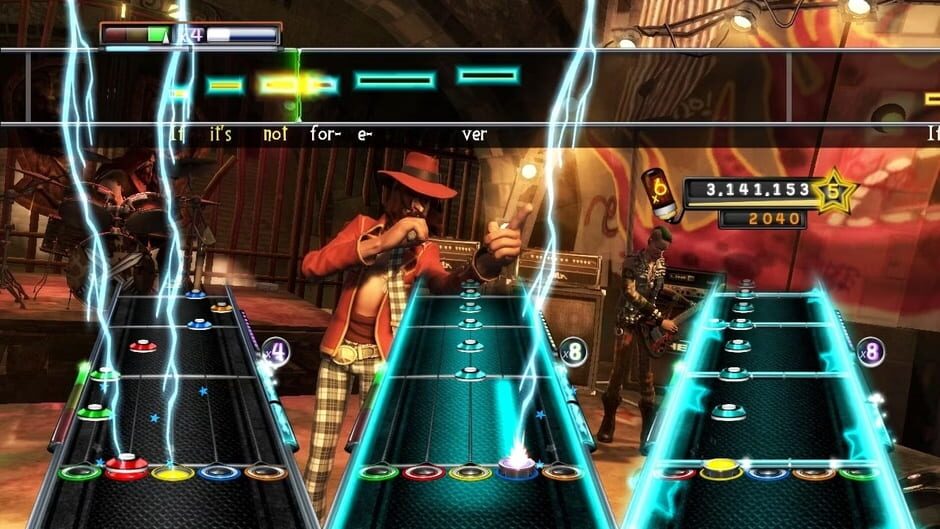
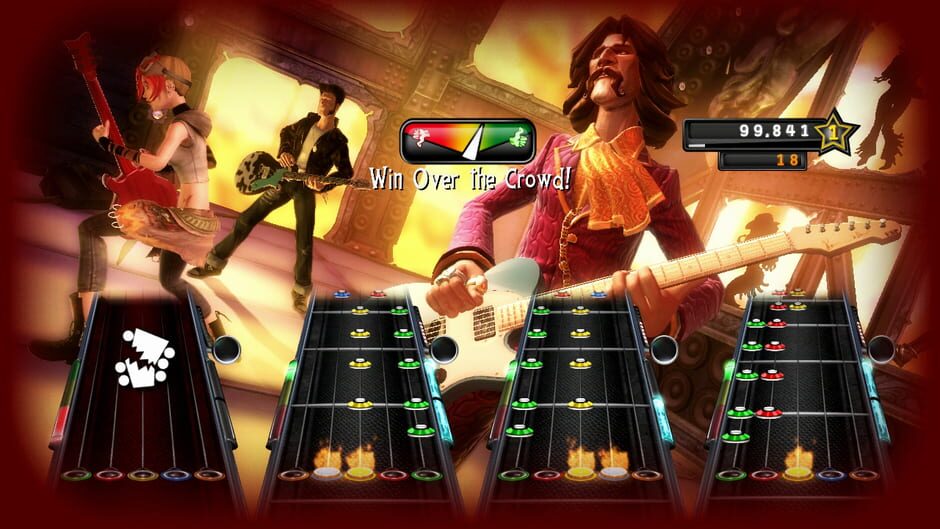
Guitar Hero 5 (initially referred to as Guitar Hero V) is a music rhythm game and the fifth main entry in the Guitar Hero series. The game was developed by Neversoft and published by Activision, and released internationally in September 2009 for the Xbox 360, PlayStation 2, 3 and Wii consoles. Similar to the preceding title, Guitar Hero World Tour, Guitar Hero 5 is geared towards playing in a four-person band experience, including lead and bass guitar, drums, and vocals. The game is available as a standalone title, allowing players to use existing compatible instrument controllers, and as a bundle that provides these controllers. Guitar Hero 5 adds several new features, such as drop-in/drop-out play, bands composed of any combination of available instruments, a Rockfest competitive mode consisting of several various scoring mechanisms, and both song-specific and general Challenges to unlock new avatars, clothing, and other extras in the game. Many of these changes were added to make the game a more social experience, allowing players across a range of skill levels to be able to play cooperatively and competitively against each other both locally and online.
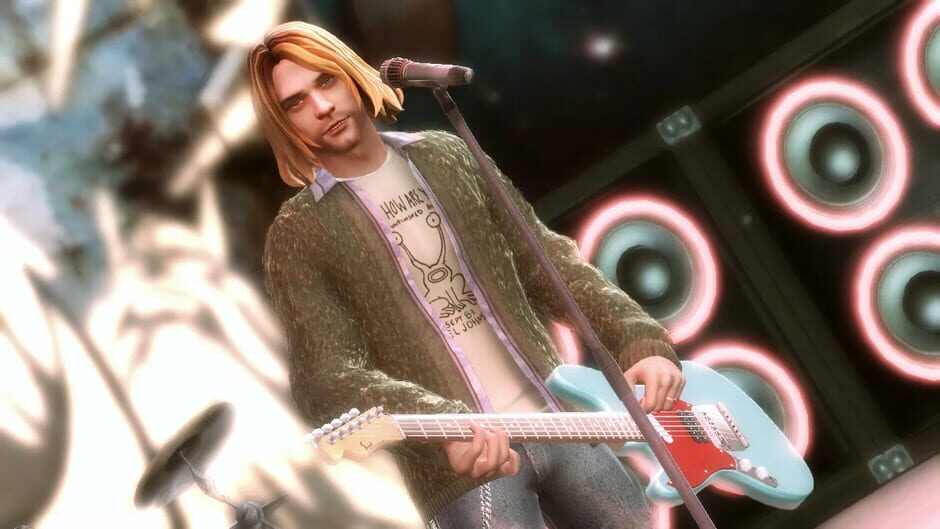
Guitar Hero 5’s track list contains 85 songs by 83 separate artists, and like previous Guitar Hero games, several musicians with works in the game have been modeled through motion capture for playable characters in the game, including Johnny Cash, Carlos Santana, Shirley Manson, Matthew Bellamy, and Kurt Cobain. Players can also create their own character and instrument to play with. The game continues to support the user-created music studio introduced in World Tour through GHTunes, and additional downloadable content for the game was also made available. A majority of existing downloadable tracks from World Tour are forward-compatible with Guitar Hero 5, along with selected on-disc tracks from World Tour and Guitar Hero Smash Hits, and songs from the game could also be exported for a fee to play in its sequel, Guitar Hero: Warriors of Rock, and spin-off game Band Hero.
The game was well received by reviewers, who appreciated the improvements in the accessibility of the game, allowing players to immediately jump in and play without spending excessive time in the game’s menus. The game also sold well, however, it sold about less than 50 percent of Guitar Hero: World Tour’s sales, specifically selling 1.2 million copies across all platforms. Improvements to both the Career and competitive multiplayer modes were also highlights of the game. However, the game’s track list was considered to be too broad, and controversy arose over the ability to use the avatar of Kurt Cobain to perform in any other song within the game.