Posted on June 4, 2026

Def Jam: Fight for NY PS2 ISO

Categories: Fighting, Sport  |  PS2  |  0 comments
Def Jam: Fight for NY PS2 ISO
Title Def Jam: Fight for NY PS2 ISO
Genre Fighting, Sport
Themes Action
Publisher Electronic Arts
Release Date 20 September 2004
Game Modes Single player, Split screen
Player Perspective Third person
Series Def Jam
Score ★ 7.3

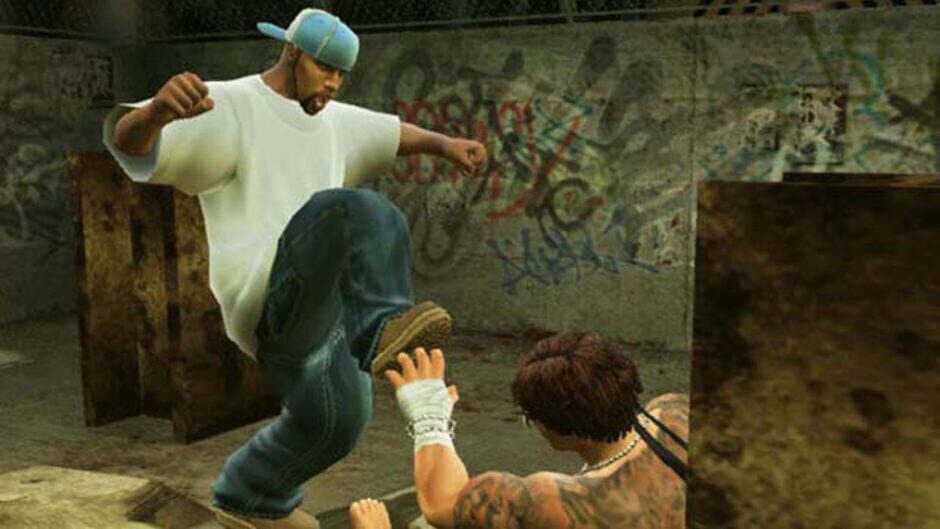
The ultimate hip-hop fueled fighting game, Def Jam Fight For NY challenges players to step into the shoes of a ruthless street fighter battling for control of the hip-hop underground.

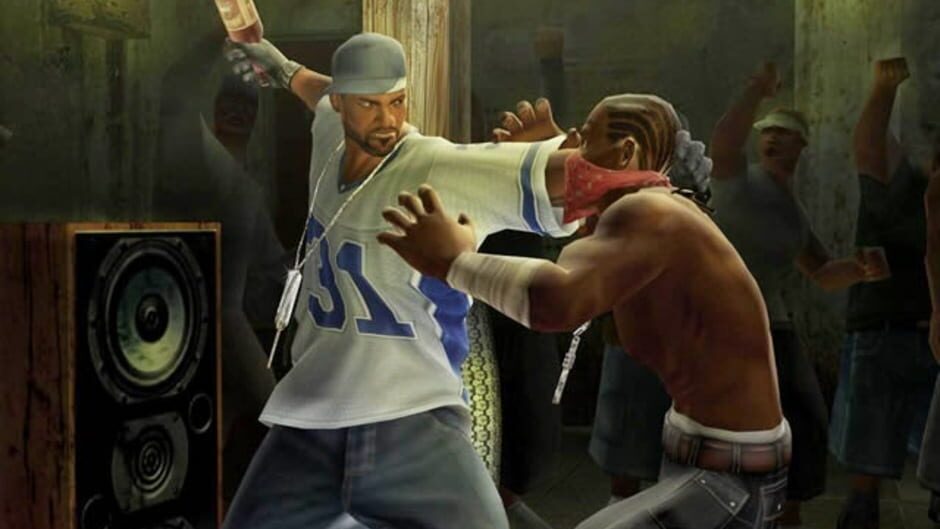
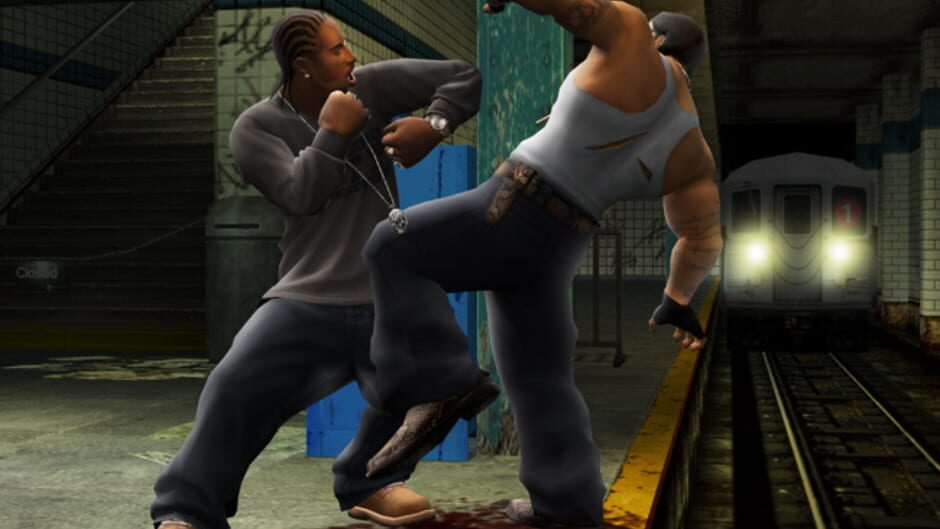
The game features an all-new fighting engine including weapons, interactive environments and five unique fighting styles that can be combined to form dozens of customized hybrid styles for the ultimate edge on the streets.

Def Jam Fight For NY features more than 40 of the most well-known artists and personalities in hip-hop today, including Busta Rhymes, Carmen Electra, Lil’ Kim, Ludacris, Method Man, Redman, Sean Paul, Slick Rick, Snoop Dogg, and many more.
* New Fighting Engine — A new fighting engine challenges you to master multiple fighting disciplines, take advantage of interactive environments, and utilize dozens of weapons to make a name for yourself.

* Three Times the Length of the Original Def Jam VENDETTA — It’s going to take more than 90 fights in 20-plus venues to win control of the streets.

* 40 of the Biggest Hip Hop Artists and Celebrites — Starring and music by the hottest names in hip hop from Def Jam and beyond — look for appearances by Busta Rhymes, Carmen Electra, Fat Joe, Flava Flav, Freeway, Ghostface, Ice T, Joe Budden, Kimora Lee Simmons, Lil’ Kim, Ludacris, Method Man, Redman, Sean Paul, Slick Rick, Snoop Dogg, Xzibit, and many more.

* Five Brutal Fighting Styles — Master each fighting style: street fighting, kickboxing, martial arts, wrestling, and submission fighting. Combine up to three styles to create devastating hybrid-styles, complete with new “blazin’ moves” to finish off your opponent.

* 22 Interactive Venues — From destructible environmental objects to rowdy spectators who like to “get involved,” the 22 venues are the ultimate weapon.

* Create-A-Street Fighter — Build your own street-ready fighter and outfit him with thousands of pieces of unlockable licensed gear, tattoos, and even bling from the Jeweler to the stars, Jacob the Jeweler.

* Represent Your Crew Online — Join a crew and own the mean streets of NYC. Move onto the international stage and take on all-comers with online play for the PlayStation 2.
Looking for free PS3, PS4, PS5, PC, Xbox 360, or even PS6 games? Download them from Ghogames! Safe, virus-free, and easy to browse. Download Def Jam: Fight for NY PS2 ISO Ovagames, Download Def Jam: Fight for NY PS2 ISO Googgames, Download Def Jam: Fight for NY PS2 ISO Elamigos, Download Def Jam: Fight for NY PS2 ISO SuperPSX, Download Def Jam: Fight for NY PS2 ISO Dlpsgame, Download Def Jam: Fight for NY PS2 ISO Kuyhaa, Download Def Jam: Fight for NY PS2 ISO Dodi Repack, Download Def Jam: Fight for NY PS2 ISO Ghogames, Download Def Jam: Fight for NY PS2 ISO For PC, Download Def Jam: Fight for NY PS2 ISO For PS4 PKG, Download Def Jam: Fight for NY PS2 ISO For PS5 Jailbreak

PS2 INSTALLATION GUIDE

–CLICK HERE–

PS3 INSTALLATION GUIDE

–CLICK HERE–

PS4 INSTALLATION GUIDE

–CLICK HERE–

PS5 INSTALLATION GUIDE

–CLICK HERE–

XBOX 360 RGH/JTAG INSTALLATION GUIDE

–CLICK HERE–

PC INSTALLATION GUIDE

HOW TO INSTALL :

  1. Extract files
  2. Burn or mount the .iso
  3. Run setup.exe and install
  4. Enjoy & Play

Supported Languages: English, French, Italian, German, Spanish, Spanish (Mexico), Polish, Russian, Portuguese-Brazil, Arabic, Japanese, Korean, Chinese Simplified, Chinese Traditional

HOW TO INSTALL HYPERVISOR GAME :

  1. Extract files
  2. Burn or mount the .iso
  3. Install the game
  4. Read _Info.txt and DenuvOwO.nfo first — CPU virtualization must be enabled in the BIOS (some motherboards are already enabled by default)
  5. Run b1BinariesWin64VBS.cmd from the game folder, press 1, restart the computer, then during the next boot press F7 when a new window appears (driver signature OFF)
  6. Run the game from the desktop icon

Once successfully running, other games using Hypervisor can be played directly from the desktop icon — as long as the PC is not restarted/shut down. If the PC is restarted, repeat the steps: VBS.cmd → 1 → reboot → F7 → desktop icon.

Comment

Leave a Reply

Your email address will not be published. Required fields are marked *

ADVERTISEMENT
Your Banner
300px × 600px
$5 / 1 Month
ADVERTISEMENT
Your Banner
300px × 600px
$5 / 1 Month