Posted on June 4, 2026

Tom Clancy’s Rainbow Six: Vegas 2 PS3

Categories: Shooter, Strategy, Tactical  |  PS3  |  0 comments
Tom Clancy’s Rainbow Six: Vegas 2 PS3
Title Tom Clancy’s Rainbow Six: Vegas 2 PS3
Themes Action, Warfare
Developer Ubisoft Montreal
Release Date 18 March 2008
Languages English, French, German, Italian, Spanish (Spain)
Game Modes Co-operative, Multiplayer, Single player, Split screen
Player Perspective First person
Franchise Tom Clancy’s
Series Rainbow Six, Rainbow Six: Vegas
Score ★ 8.2

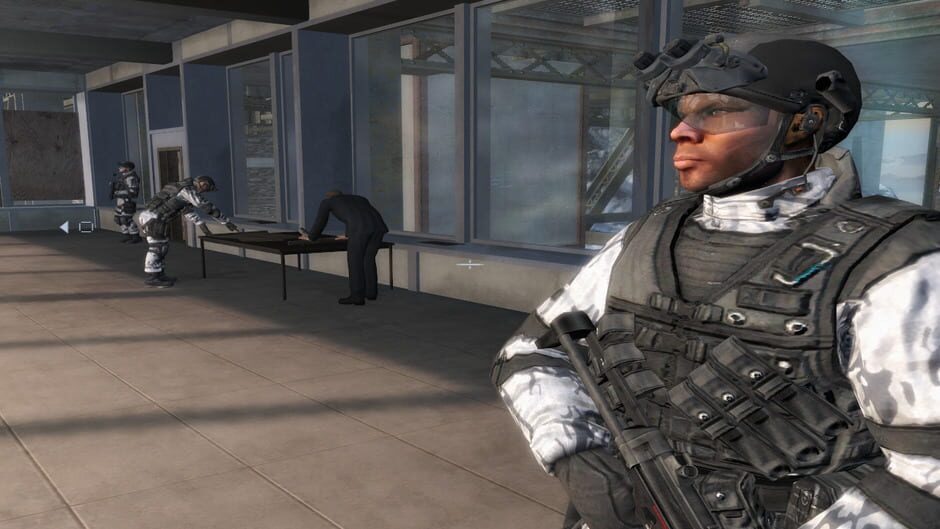
Tom Clancy’s Rainbow Six Vegas 2 – the sequel to the award-winning next-generation first-person shooter – returns to Sin City. Tom Clancy’s Rainbow Six Vegas 2 is your last chance to rescue America’s sexiest city from an escalating terrorist siege that will force you into heart-pounding action from beginning to end. The best are back and this time winner takes all.

Recipient of numerous awards, including 2006 Best First Person Shooter and Best Online Game, Tom Clancy’s Rainbow Six Vegas 2 pushes the top-selling franchise to new heights with new gameplay features and groundbreaking co-op and multiplayer modes.

Ubisoft Montreal Returns – Rainbow Six Vegas 2 is back in the hands of Ubisoft’s Montreal studio, creators of the award-winning and highly acclaimed Rainbow Six Vegas, to ensure that ending to the Vegas story is one you’ll never forget.
More Vegas – Sin City is back and bigger than before. Explore all new Vegas hot spots as the environment changes from dusk to bright daylight to dawn, creating a visual experience that is as challenging as it is breathtaking.

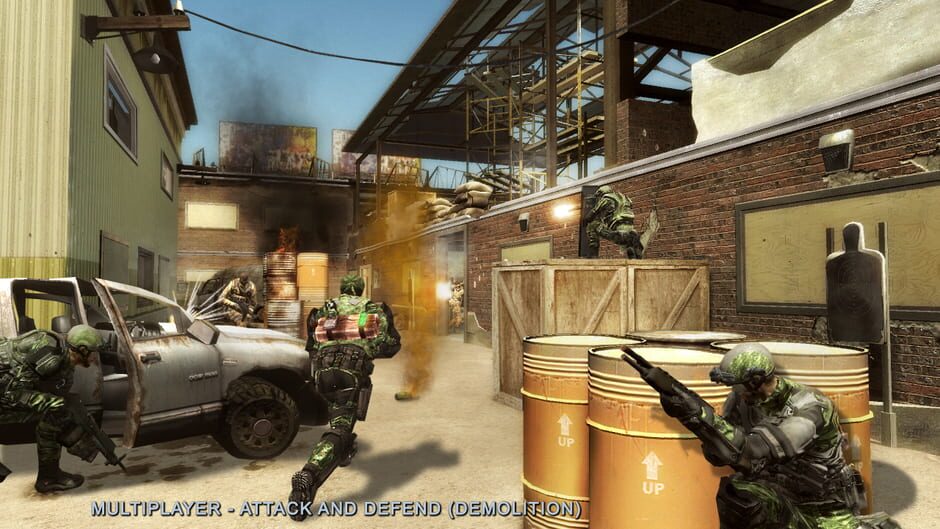
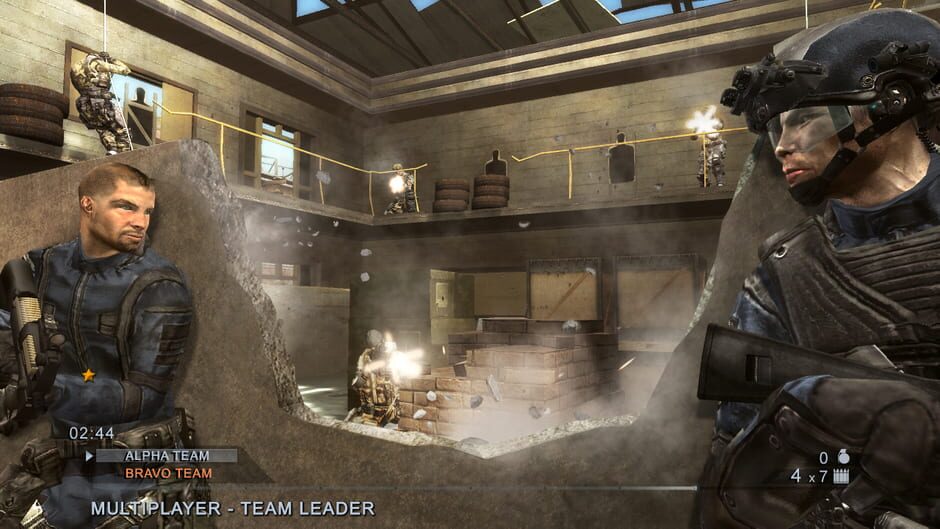
More Multiplayer – The highly acclaimed multiplayer mode in Tom Clancy’s Rainbow Six Vegas has been upgraded to include 11 new, smaller maps that force more intense face-offs, 2 new adversarial modes, more rewards, and easier access to matches using the improved and intuitive matchmaking system.

Unprecedented Customizable Experience – Create your own identity that stays the same in both single player and multiplayer modes and progresses as you do. Reap the benefits of your single player rewards in multiplayer and vice versa.

Vastly Improved Co-op mode – Turn single player mode into co-op mode at any time, just by jumping into the game. Now your friend can jump into your single player game and help you without any change to the story. Single player maps and storyline were created with co-op in mind, which means every map has multiple entry points and the story is the same.

Improved AI – AI is more challenging than ever. Now, the terrorists are equipped with thermal vision, night vision, and shields – not to mention a multitude of varying reactions – all of which are guaranteed to give you a new playing experience every time you go into battle. As you progress within the game, you’ll only be able to outsmart your enemies by taking advantage of intel opportunities, such as thermal scanning, and tactical strategies, such as leapfrogging.

New Weapons and Armor – Take down the terrorists more effectively using 11 new weapons. New camouflage, clothing and gear allow you to take customization to the next level.
Looking for free PS3, PS4, PS5, PC, Xbox 360, or even PS6 games? Download them from Ghogames! Safe, virus-free, and easy to browse. Download Tom Clancy’s Rainbow Six: Vegas 2 PS3 Ovagames, Download Tom Clancy’s Rainbow Six: Vegas 2 PS3 Googgames, Download Tom Clancy’s Rainbow Six: Vegas 2 PS3 Elamigos, Download Tom Clancy’s Rainbow Six: Vegas 2 PS3 SuperPSX, Download Tom Clancy’s Rainbow Six: Vegas 2 PS3 Dlpsgame, Download Tom Clancy’s Rainbow Six: Vegas 2 PS3 Kuyhaa, Download Tom Clancy’s Rainbow Six: Vegas 2 PS3 Dodi Repack, Download Tom Clancy’s Rainbow Six: Vegas 2 PS3 Ghogames, Download Tom Clancy’s Rainbow Six: Vegas 2 PS3 For PC, Download Tom Clancy’s Rainbow Six: Vegas 2 PS3 For PS4 PKG, Download Tom Clancy’s Rainbow Six: Vegas 2 PS3 For PS5 Jailbreak

PS2 INSTALLATION GUIDE

–CLICK HERE–

PS3 INSTALLATION GUIDE

–CLICK HERE–

PS4 INSTALLATION GUIDE

–CLICK HERE–

PS5 INSTALLATION GUIDE

–CLICK HERE–

XBOX 360 RGH/JTAG INSTALLATION GUIDE

–CLICK HERE–

PC INSTALLATION GUIDE

HOW TO INSTALL :

  1. Extract files
  2. Burn or mount the .iso
  3. Run setup.exe and install
  4. Enjoy & Play

Supported Languages: English, French, Italian, German, Spanish, Spanish (Mexico), Polish, Russian, Portuguese-Brazil, Arabic, Japanese, Korean, Chinese Simplified, Chinese Traditional

HOW TO INSTALL HYPERVISOR GAME :

  1. Extract files
  2. Burn or mount the .iso
  3. Install the game
  4. Read _Info.txt and DenuvOwO.nfo first — CPU virtualization must be enabled in the BIOS (some motherboards are already enabled by default)
  5. Run b1BinariesWin64VBS.cmd from the game folder, press 1, restart the computer, then during the next boot press F7 when a new window appears (driver signature OFF)
  6. Run the game from the desktop icon

Once successfully running, other games using Hypervisor can be played directly from the desktop icon — as long as the PC is not restarted/shut down. If the PC is restarted, repeat the steps: VBS.cmd → 1 → reboot → F7 → desktop icon.

Comment

Leave a Reply

Your email address will not be published. Required fields are marked *

ADVERTISEMENT
Your Banner
300px × 600px
$5 / 1 Month
ADVERTISEMENT
Your Banner
300px × 600px
$5 / 1 Month