Posted on June 5, 2026

Two Worlds II Xbox360

Categories: Role-playing (RPG)  |  XBOX360  |  0 comments
Two Worlds II Xbox360
Title Two Worlds II Xbox360
Themes Action, Fantasy, Open world
Developer Reality Pump
Release Date 12 November 2010
Languages Czech, English, French, German, Italian, Polish, Russian, Spanish (Spain)
Game Modes Co-operative, Multiplayer, Single player
Player Perspective Third person
Series Two Worlds
Score ★ 6.9

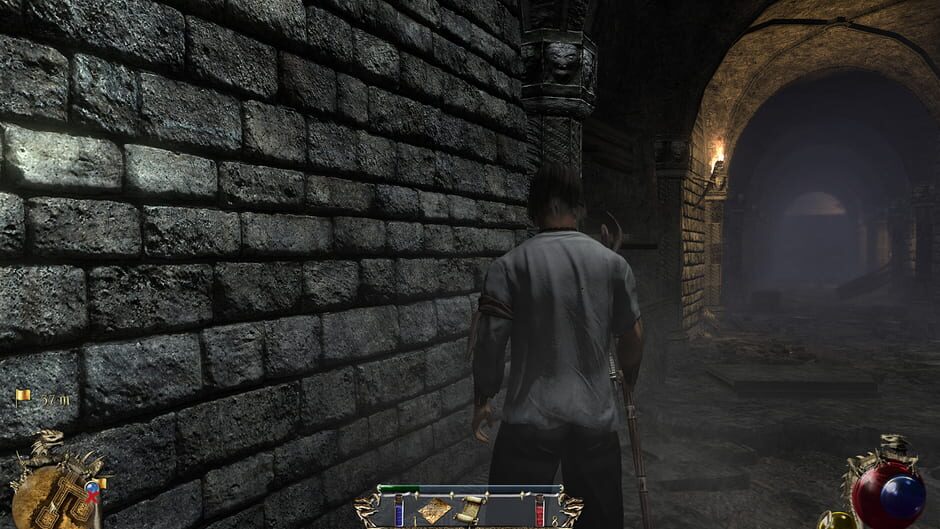
Two World II is a fantasy role playing game which continues the storyline from the first game.

Aziraal was the ancient god of war revered by the Orcs and said to possess immense powers. When Aziraal’s tomb was opened at the end of the first game, the god’s powers transferred to our hero’s sister. Now the dark lord Gandohar, determined to have Aziraal’s power for himself, has taken our hero and his sister captive and is draining those powers from her. The escape from the prison acts as a tutorial for the game until the hero finally steps out into Antaloor.

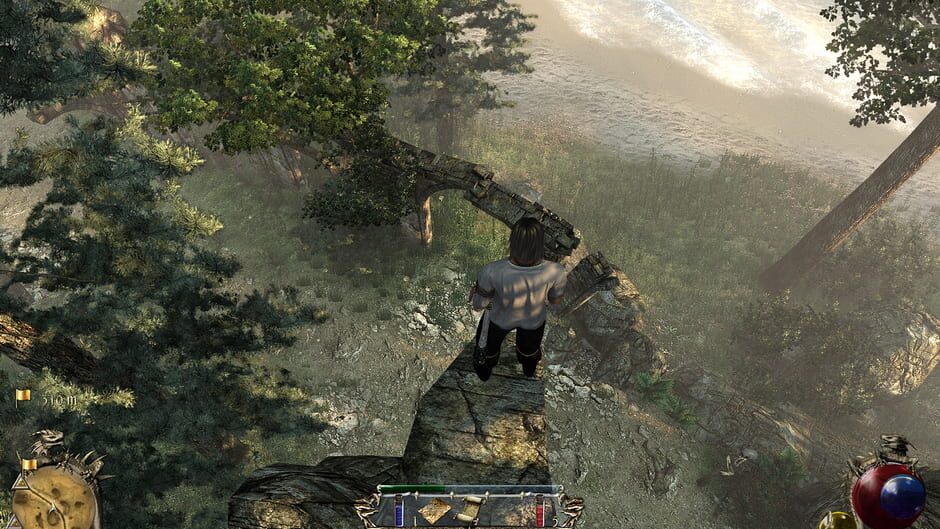
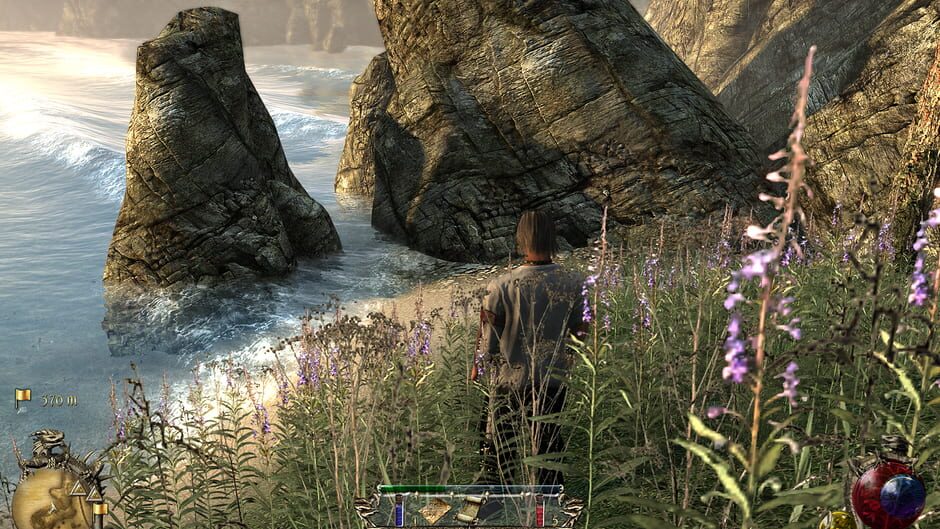
There is a huge world to be explored containing deserts, forests, swamps, seashores, cities and rural areas, plus many hidden caves and dungeons. There will be encounters with every kind of monster imaginable from killer insects to huge beasts, as well as humanoid enemies of varied races. Since the levels of the enemies are not tied to the player’s level, some fights need to be avoided until the hero advances and increases his abilities. The game boasts that there are enough quests to keep players busy for about 100 hours.

In the single-player game, the hero can be a male only. His specialty (warrior, ranger, mage) can be changed at will by swapping equipment. Success as each is entirely dependent upon how earned skill points are assigned.

Two Worlds II features improvements over the first game including new user interface, game engine and magic & crafting systems. It includes all of the gameplay elements that were part of Two Worlds I (riding on horseback, crafting, forging, alchemy). Sailing (planned for the first game, but never released) is possible in this game, albeit in only a few locations.

Feats and skills can be learned to enhance each form of combat. Learned spells can be combined with each other using the new card modifiers to enhance or change their effects. Improvements to the crafting/forging aspects make it possible to improve weapons and armor differently. For instance, objects in inventory can be broken down to their base elements (cloth, wood, iron).

Two Worlds II also offers five multiplayer modes for up to 8 players: Crystal Capture, PvP, Dual, Adventure (7 chapters), and a Village mode. In multiplayer, new characters are created with a choice of several races and can be male or female.
Looking for free PS3, PS4, PS5, PC, Xbox 360, or even PS6 games? Download them from Ghogames! Safe, virus-free, and easy to browse. Download Two Worlds II Xbox360 Ovagames, Download Two Worlds II Xbox360 Googgames, Download Two Worlds II Xbox360 Elamigos, Download Two Worlds II Xbox360 SuperPSX, Download Two Worlds II Xbox360 Dlpsgame, Download Two Worlds II Xbox360 Kuyhaa, Download Two Worlds II Xbox360 Dodi Repack, Download Two Worlds II Xbox360 Ghogames, Download Two Worlds II Xbox360 For PC, Download Two Worlds II Xbox360 For PS4 PKG, Download Two Worlds II Xbox360 For PS5 Jailbreak

PS2 INSTALLATION GUIDE

–CLICK HERE–

PS3 INSTALLATION GUIDE

–CLICK HERE–

PS4 INSTALLATION GUIDE

–CLICK HERE–

PS5 INSTALLATION GUIDE

–CLICK HERE–

XBOX 360 RGH/JTAG INSTALLATION GUIDE

–CLICK HERE–

PC INSTALLATION GUIDE

HOW TO INSTALL :

  1. Extract files
  2. Burn or mount the .iso
  3. Run setup.exe and install
  4. Enjoy & Play

Supported Languages: English, French, Italian, German, Spanish, Spanish (Mexico), Polish, Russian, Portuguese-Brazil, Arabic, Japanese, Korean, Chinese Simplified, Chinese Traditional

HOW TO INSTALL HYPERVISOR GAME :

  1. Extract files
  2. Burn or mount the .iso
  3. Install the game
  4. Read _Info.txt and DenuvOwO.nfo first — CPU virtualization must be enabled in the BIOS (some motherboards are already enabled by default)
  5. Run b1BinariesWin64VBS.cmd from the game folder, press 1, restart the computer, then during the next boot press F7 when a new window appears (driver signature OFF)
  6. Run the game from the desktop icon

Once successfully running, other games using Hypervisor can be played directly from the desktop icon — as long as the PC is not restarted/shut down. If the PC is restarted, repeat the steps: VBS.cmd → 1 → reboot → F7 → desktop icon.

Comment

Leave a Reply

Your email address will not be published. Required fields are marked *

ADVERTISEMENT
Your Banner
300px × 600px
$5 / 1 Month
ADVERTISEMENT
Your Banner
300px × 600px
$5 / 1 Month